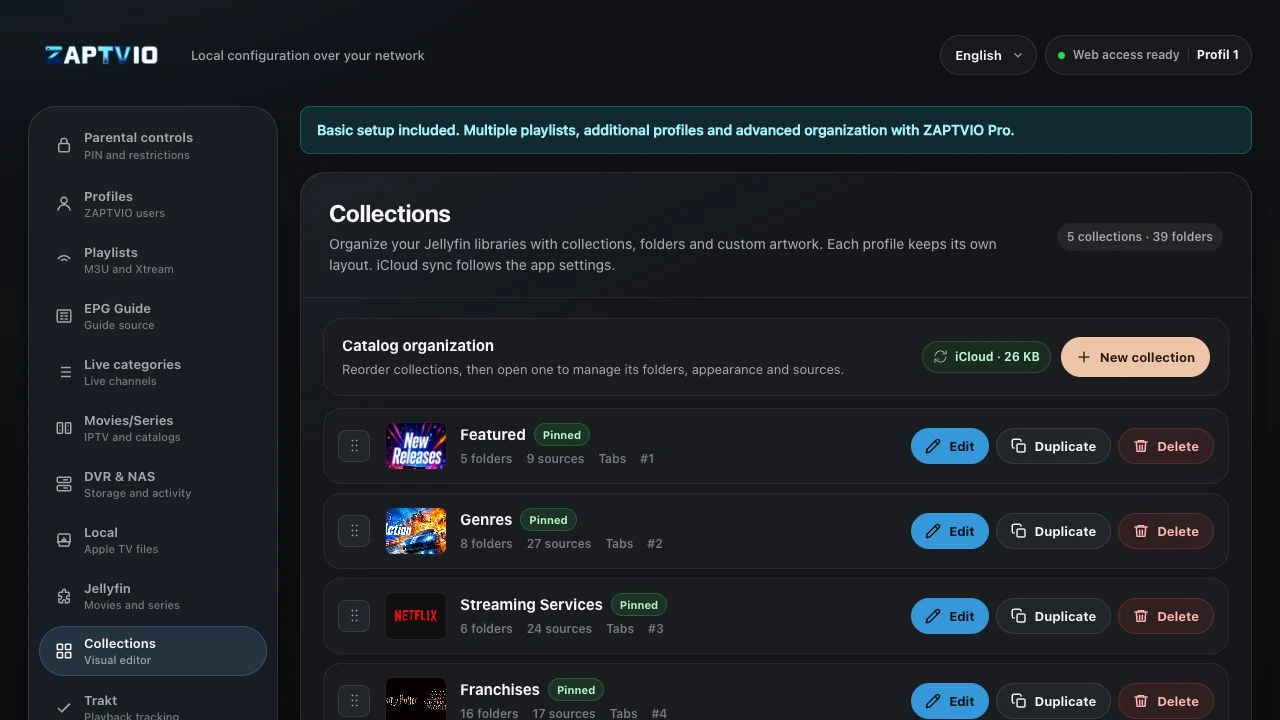
Personal collections
Create selections by genre, mood or theme, then choose their covers.
YOUR COLLECTIONS
Browse your movies, series and hand-picked collections. Found an actor you like? Explore their filmography for your next movie night.
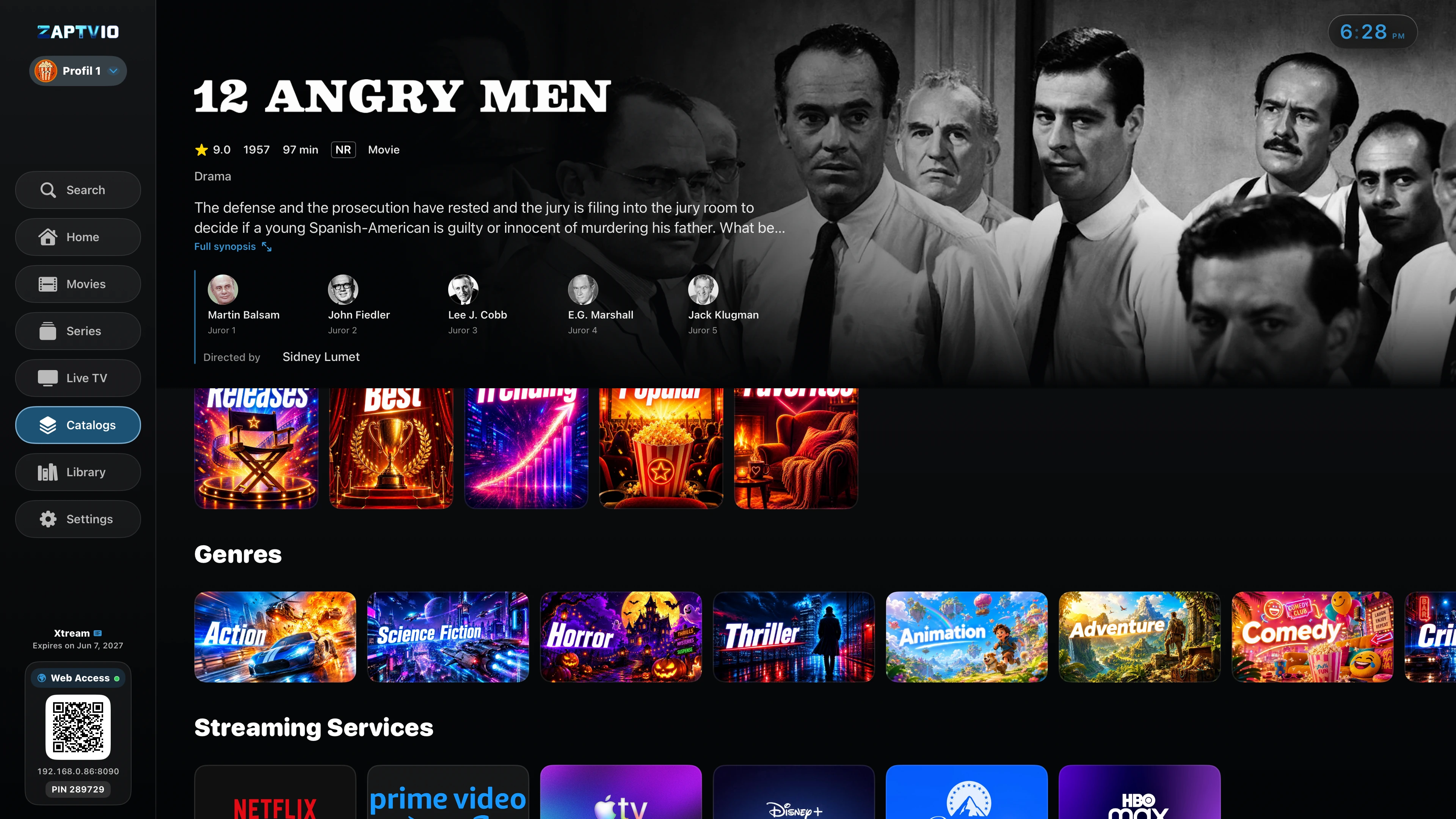
MAKE IT YOURS
A movie night, a favourite saga or a new series to discover: bring your choices together in collections that are easy to browse.
Create selections by genre, mood or theme, then choose their covers.
Browse posters, read synopses and find seasons and episodes on each series page.
Connect your Jellyfin account to browse the libraries you can access, in the same app as your TV channels.
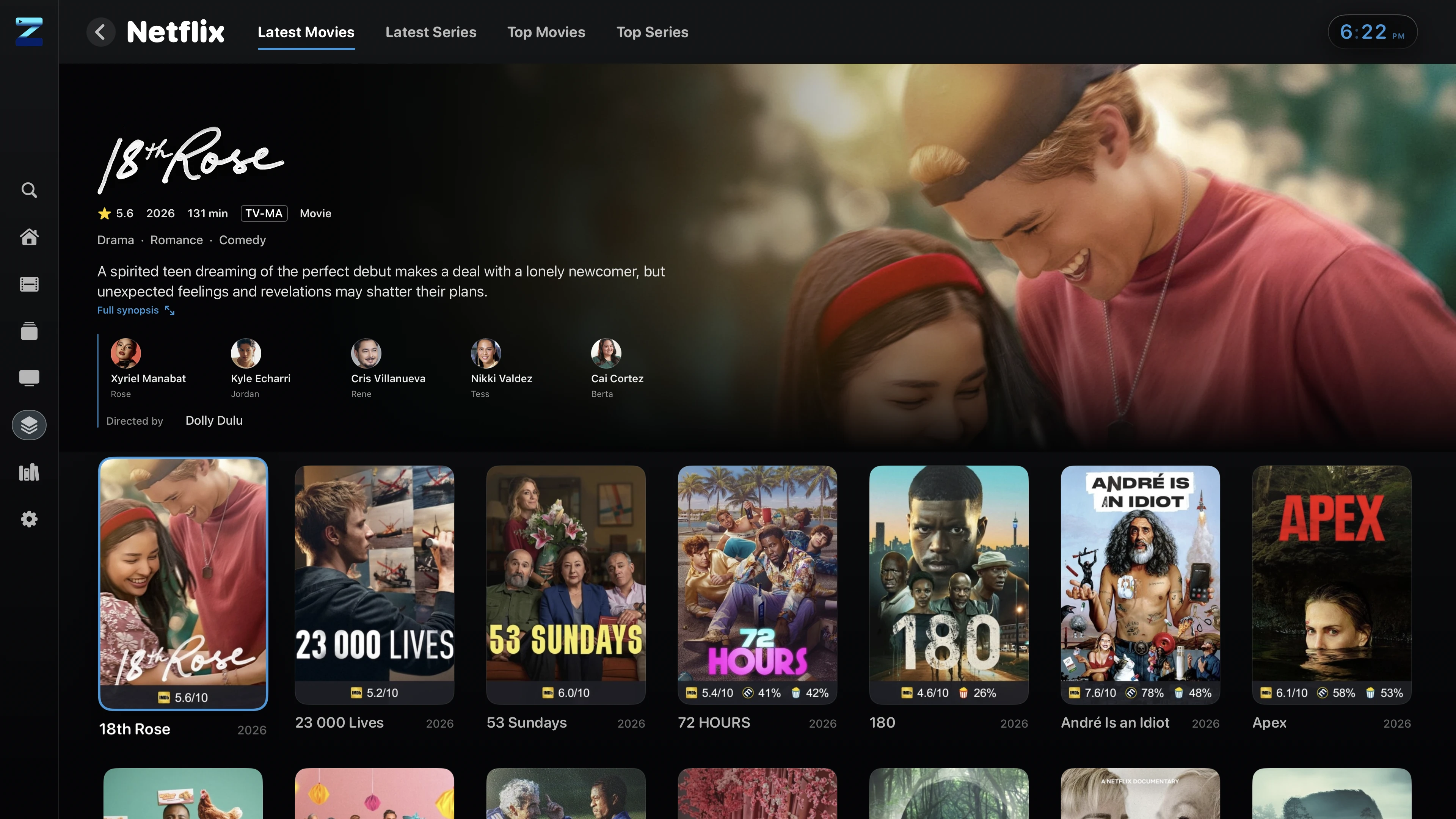
DETAILS AND AVAILABLE VERSIONS
Find the synopsis, cast and available movie details. When several versions are offered, compare their information before starting playback.

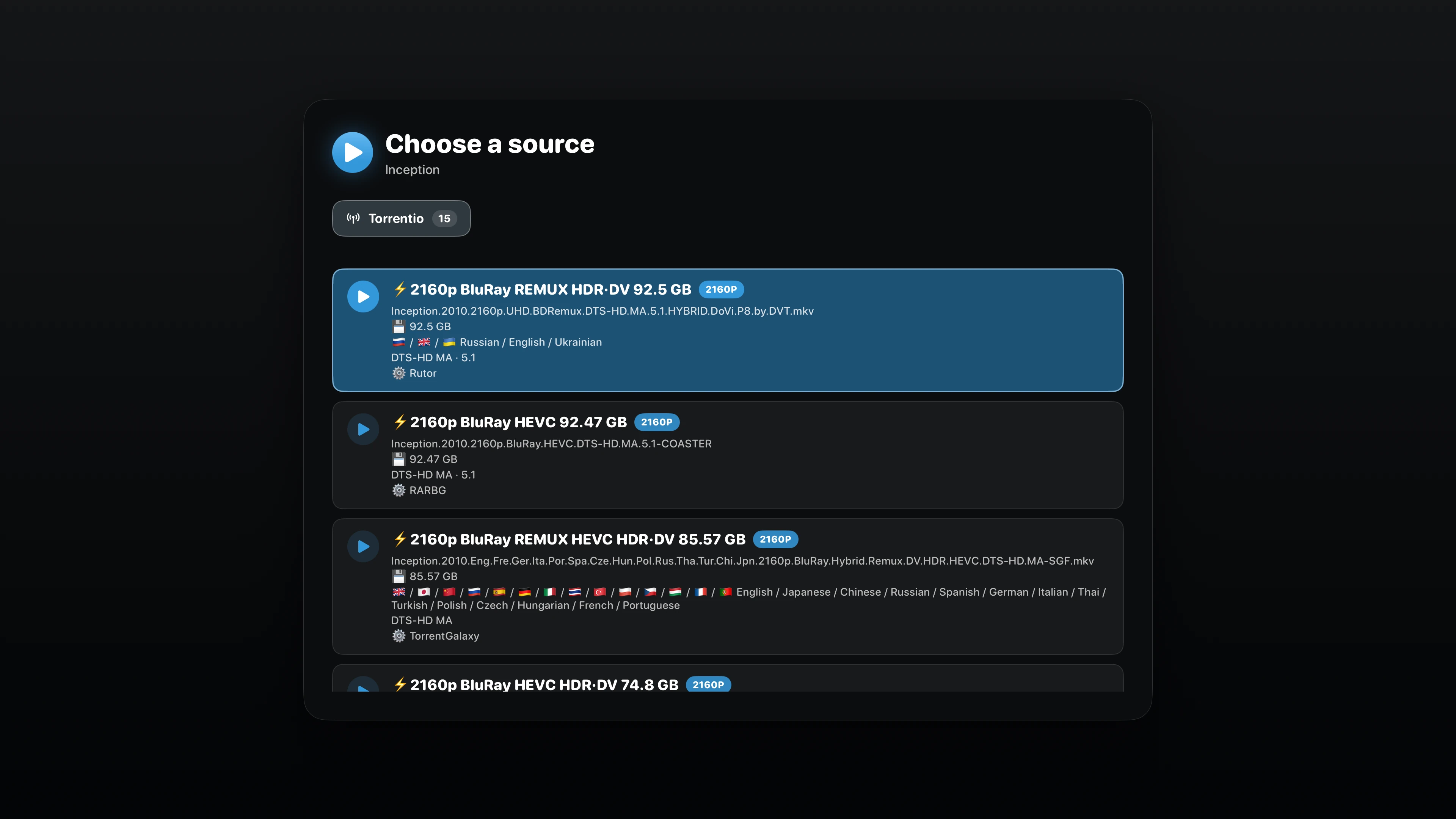
 Using Gelato with Jellyfin?
Find the versions offered by Gelato in the source picker. Compare their details and browse provider tabs when that information is available.
Set up Gelato on your Jellyfin server with your own services. Available versions and details depend on that setup.
ZAPTVIO is an independent client, not affiliated with Jellyfin. No content catalog is provided.
DISCOVER BY ACTOR
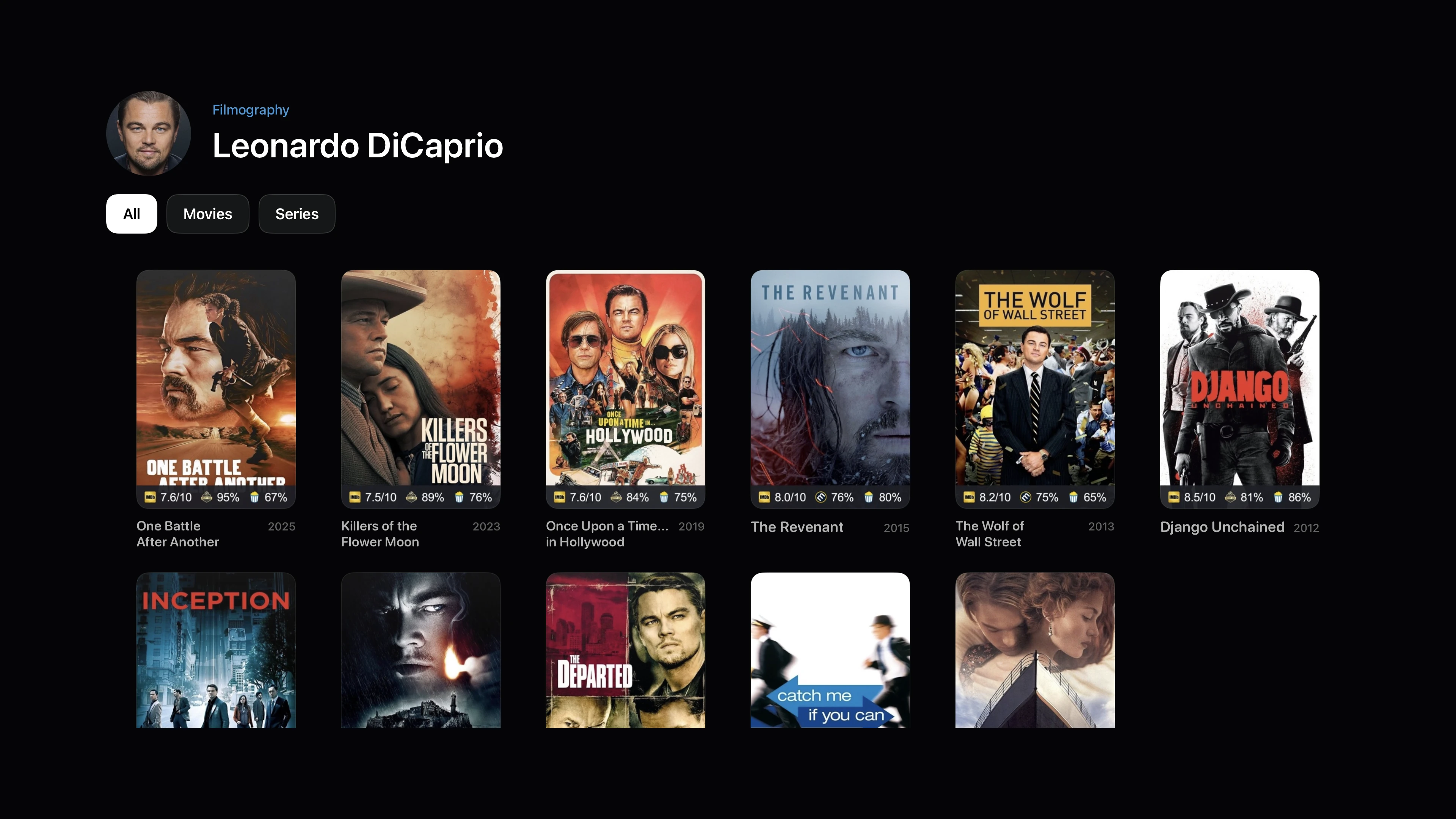
Select an actor on a detail page to open their filmography and explore other titles offered by your sources.
Follow the actors you enjoy from one movie to the next and find something new to watch.
Read the synopsis and browse the cast before starting the movie.
Open their filmography, then filter All, Movies or Series to narrow your discovery.
Choose a title from the results to open its page and explore the available versions.
Search covers your connected sources. Results depend on the titles and information they provide.
ORGANISING COLLECTIONS
Group your catalogues by mood, genre or selection. Give each folder a cover and backdrop suited to big-screen browsing.
Open the management page on your phone or computer. Create collections in the visual editor or import a compatible JSON file, then map the folders to your Jellyfin catalogues.
How to import JSON collections